Scan paper clearly
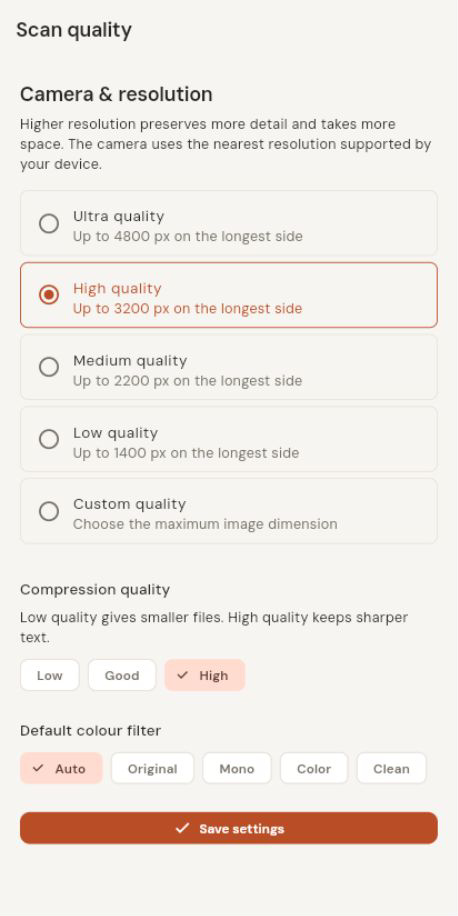
Capture a page, adjust its detected corners or set them manually, then choose the crop and image treatment that looks right.
Scan paper, organize your files, and make everyday PDF tasks feel simpler—with a document toolkit designed around your phone.
Android · Google Play release preparation
DocBox brings scanning, reading, and everyday PDF actions together. Capture a page when you need it, make a few edits, then keep the finished file organized in your library.
A practical set of tools for the documents you handle every day.
Capture a page, adjust its detected corners or set them manually, then choose the crop and image treatment that looks right.
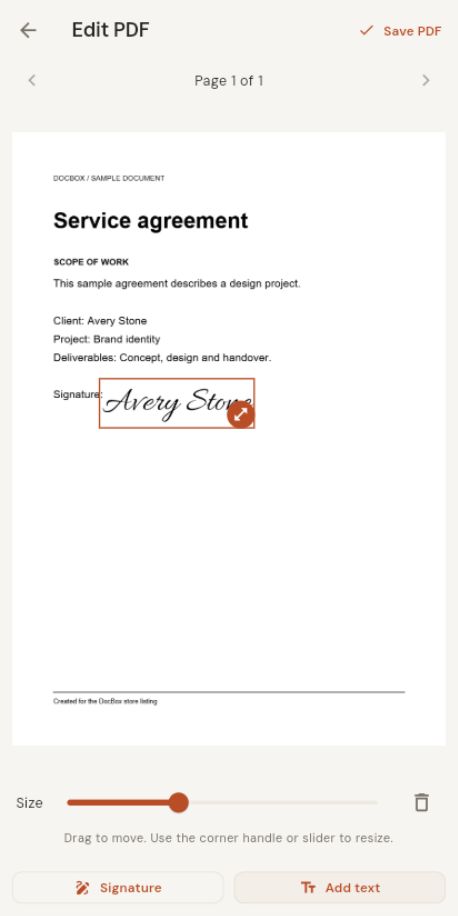
Read PDFs, place saved signatures, add text, and keep a finished copy in your document library.
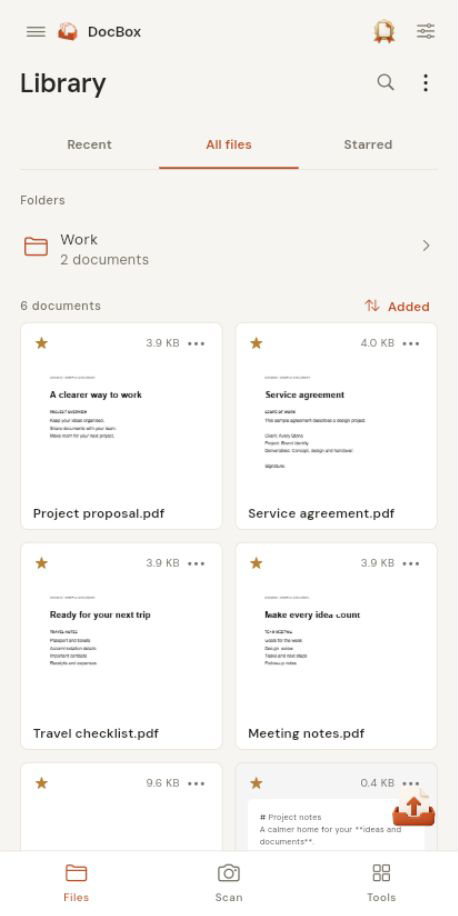
Use folders, search, sorting, favourites, pinned files and Trash to find the document you need.
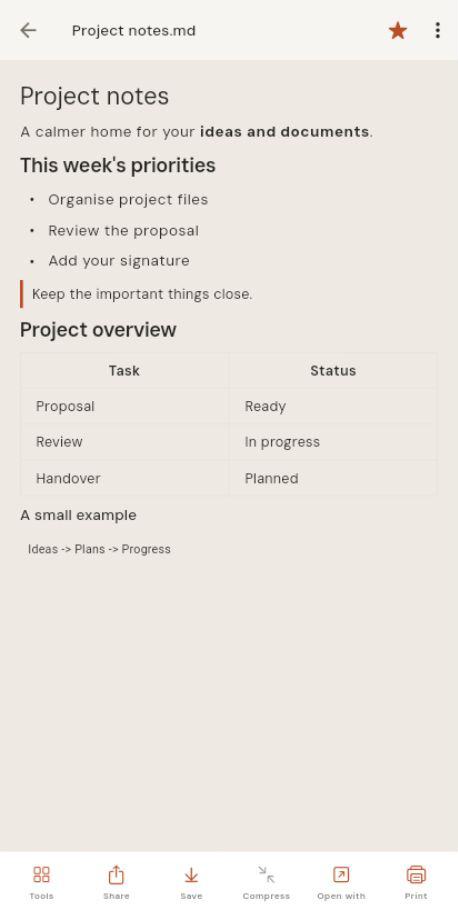
Read Markdown and common Office documents alongside your PDFs, with content prepared for a comfortable phone screen.
Real DocBox screens showing the library, scan settings, PDF signing and formatted Markdown.
DocBox stores its document library on your device. Ads and Google Play purchases are handled by their respective services; the app does not upload documents to a DocBox server.